

Editing Events
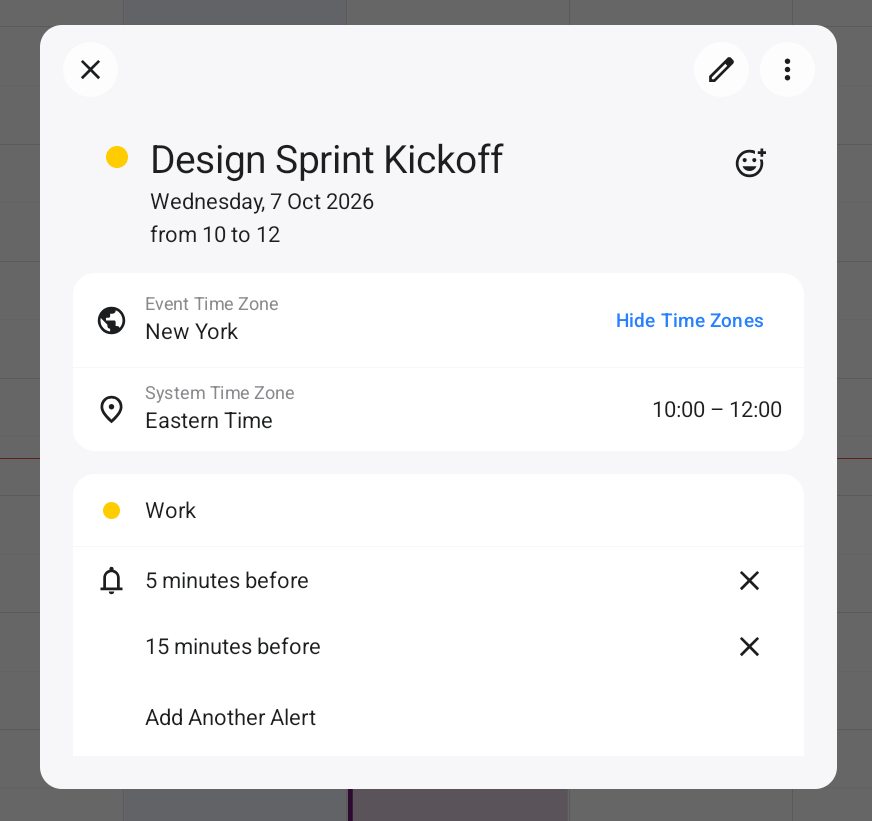
Double-click an existing event to edit it. Event details will pop up next to the event, and you can click the pencil icon to make changes.
To delete an event or task, select it and press Delete on your keyboard. You can also right-click an event or task and select “Delete” from the contextual menu. By using the control key, you can select and delete multiple events at once.
To move an event from one calendar to another, right-click the event and use the “Calendar” submenu to select the destination calendar.
Searching Your Calendars
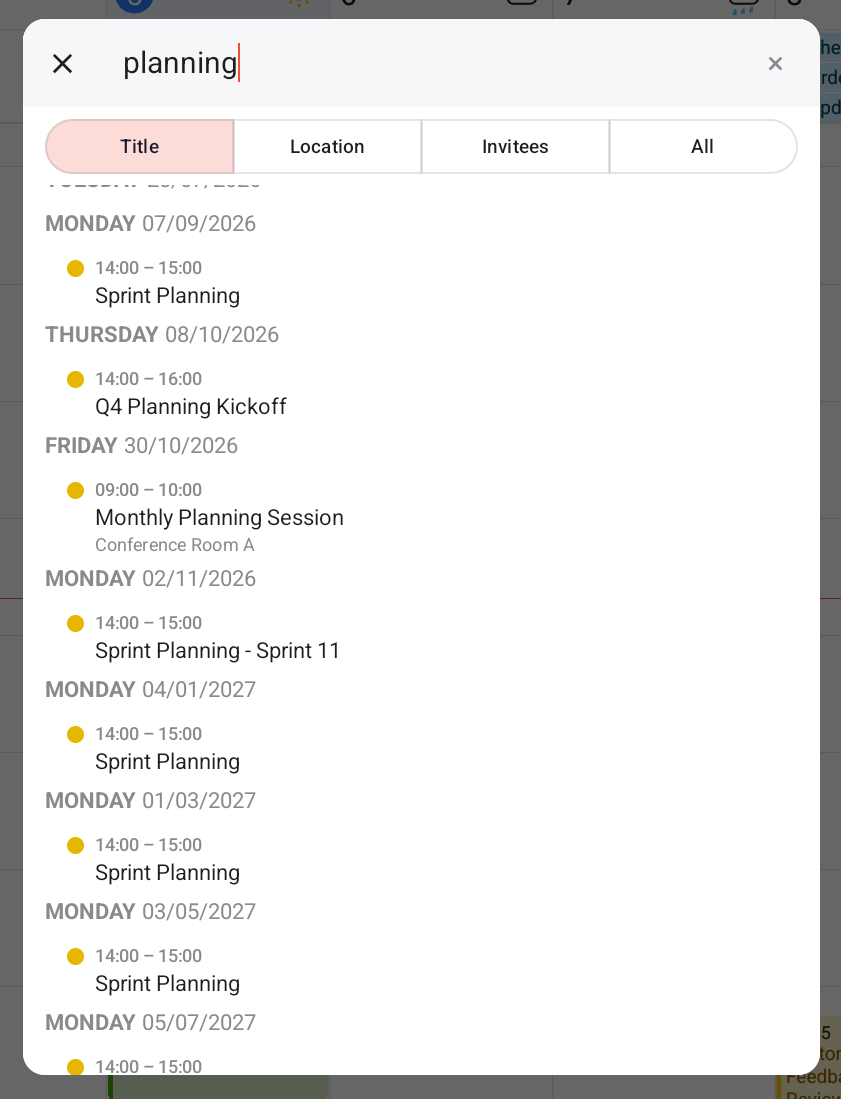
Click the search icon in the upper right of the Full Calendar Window to begin searching. Once you are in search mode, simply enter information about the event you are looking for and Fantastical will return the results.