Fantastical shows notifications for different types of activities related to your calendar, such as event or task notifications, or changes to shared calendars.
Disabling alerts from specific calendars or task lists
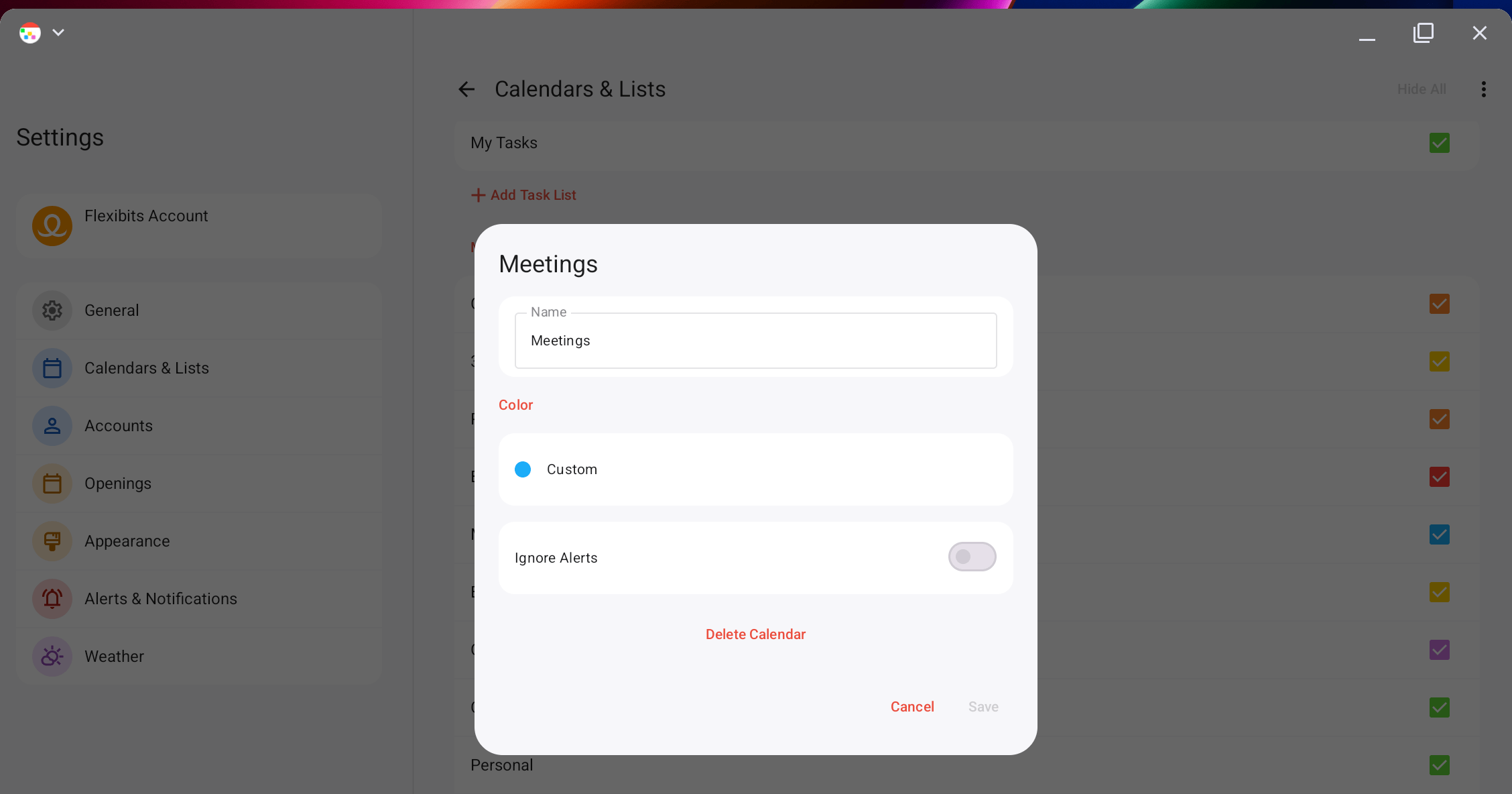
You can disable alerts and invitation notifications from a specific calendar by doing the following:
We use cookies and other technologies to analyze traffic and credit partners who have
referred you to our website. With your consent, information such as cookies or click IDs
are stored on your device. If you sign up, information may be transferred to our
advertising partners. Your consent can be withdrawn at any time. You can read more about
how we use cookies at our privacy policy.