Share this article





Let’s be honest: looking at a wall of gray and blue blocks on a Monday morning can feel a bit… uninspiring.
At Flexibits, we believe your schedule should look as vibrant as your life truly is, and that’s why we’re 🤩 about our latest feature: Emoji Badges!
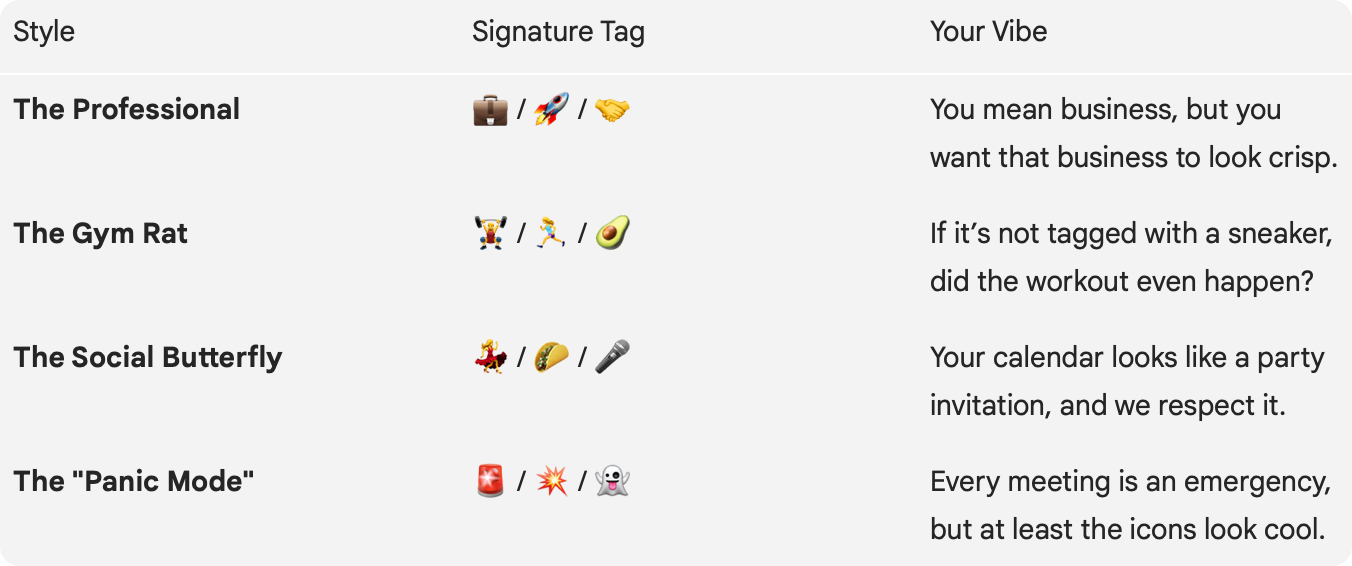
Sometimes, a meeting title doesn’t tell the whole story. Is it a “Quick Sync” ☕ or a “High-Stakes Presentation” 🚨?
With Emoji Badges, you can categorize your day at a glance, and benefit from:

We’ve kept it simple so you can quickly tag an event and then get back to your day.
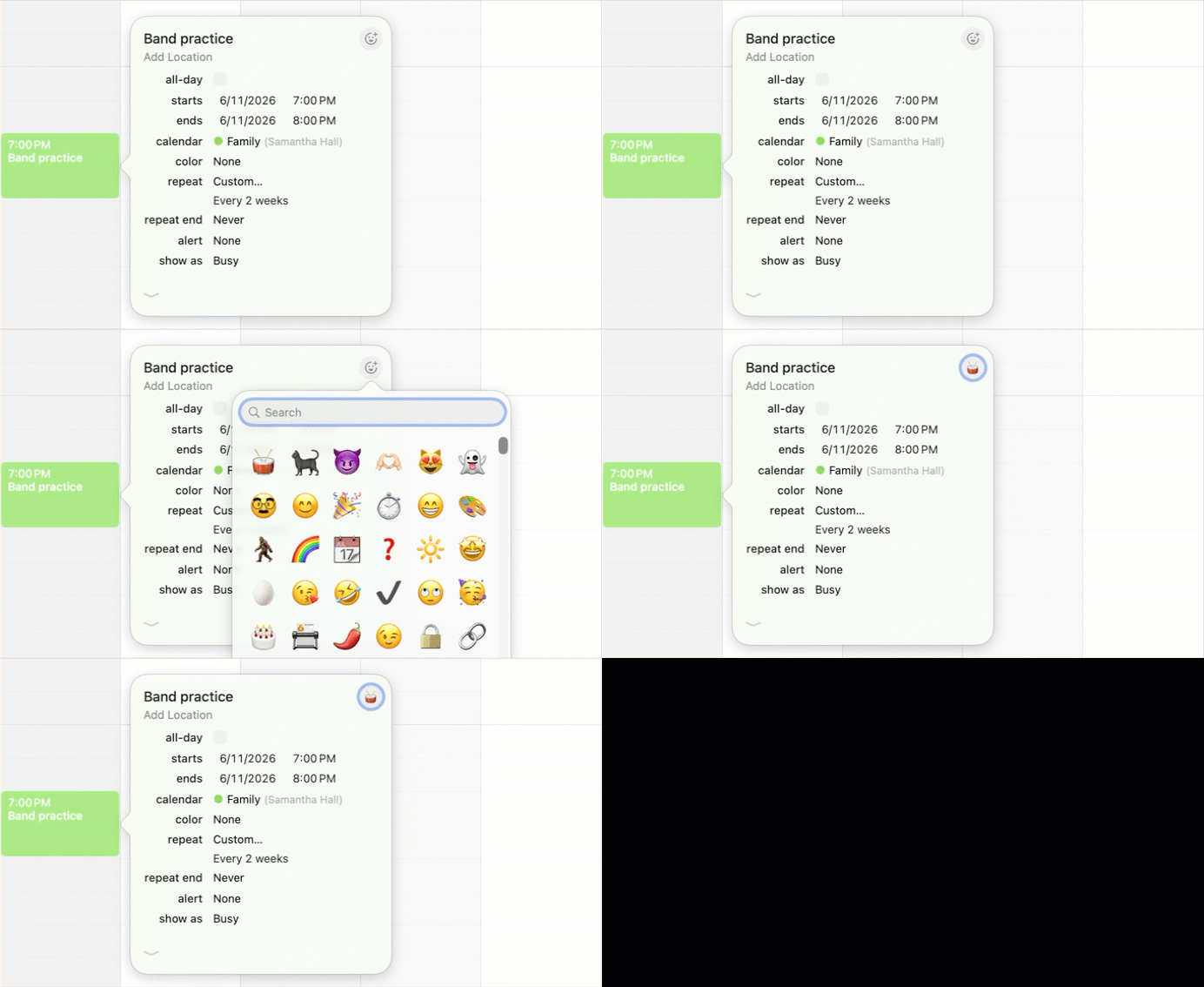
The Emoji Badges feature is available now, so go ahead—drop a 🦄 onto that boring brainstorming session or a 🦖 onto that meeting that should have been an email. Your calendar is your world and it’s time to dress it up a little!
Happy tagging! 🎨