Share this article




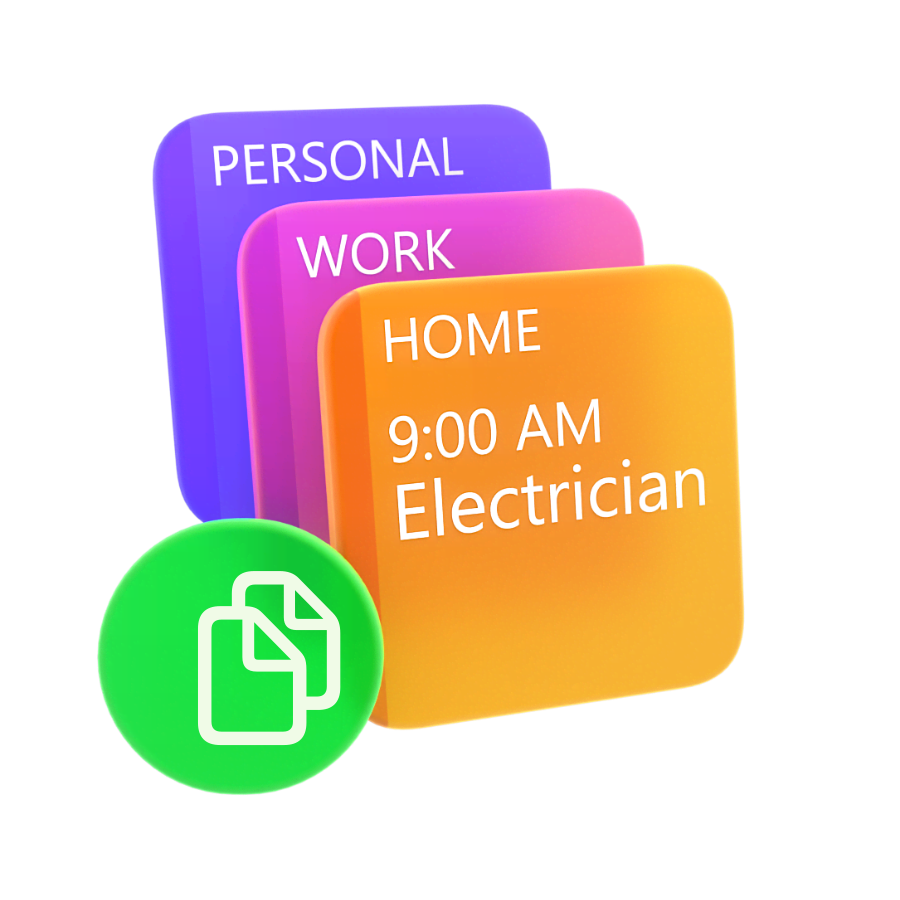
We’ve all played the dangerous game of calendar roulette.
You try to copy the “Dentist Appointment” from your personal calendar to your work one, miss it by an hour, and boom—now you’re supposed to be getting a root canal and presenting the Q3 marketing strategy at the exact same time.
Awkward. 😬
Don’t panic! That’s a thing of the past with Calendar Mirroring, which automatically keeps your calendars perfectly in sync.
Calendar Mirroring allows you to connect two separate calendars (like work and personal) so that events from one automatically show up on the other.
The best part? No event information is sent to Flexibits servers or saved outside of your device.
You can choose to show full event details or just block the time out as a mysterious, professional “Busy”. Your coworkers don’t need to know you’re getting a root canal, they just need to know you’re unavailable.
How it Works:
Setting up your first mirrored calendar takes less than 2 minutes!
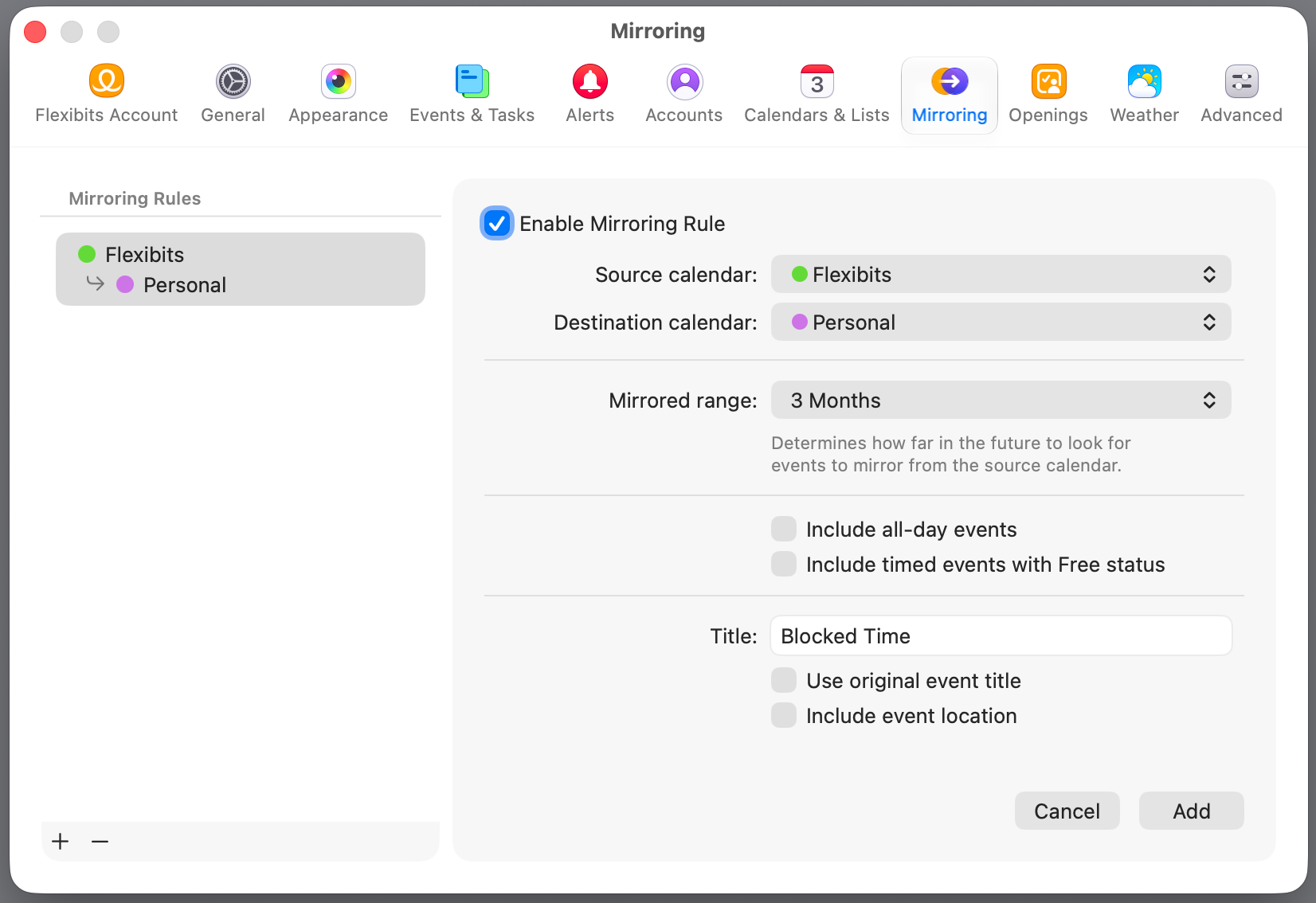
Rules are synced across devices, giving you automated peace of mind.
Calendar Mirroring is live for Mac and iOS, with Windows coming soon! Give it a try now to experience a perfectly synced life.
Have questions or feedback about the new feature? Check out our help section or reach out to our Support team.