Share this article




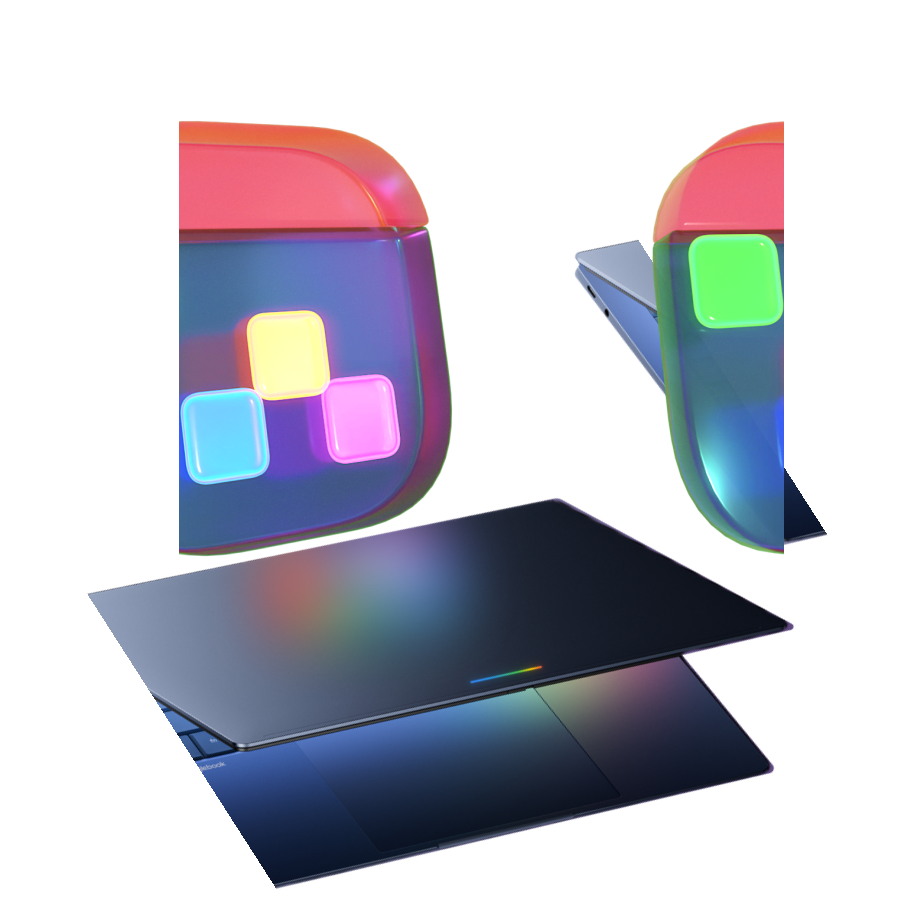
Hold onto your coffee cups, productivity fans: Fantastical is making another big leap!
Today, we are excited to launch Fantastical for Googlebook*! It’s officially joining the party alongside our Apple family (Mac, iPhone, iPad, Apple Watch, Apple Vision Pro) and Windows. So no matter which screen you’re staring at, calendar bliss is just a click, tap, or swipe away.
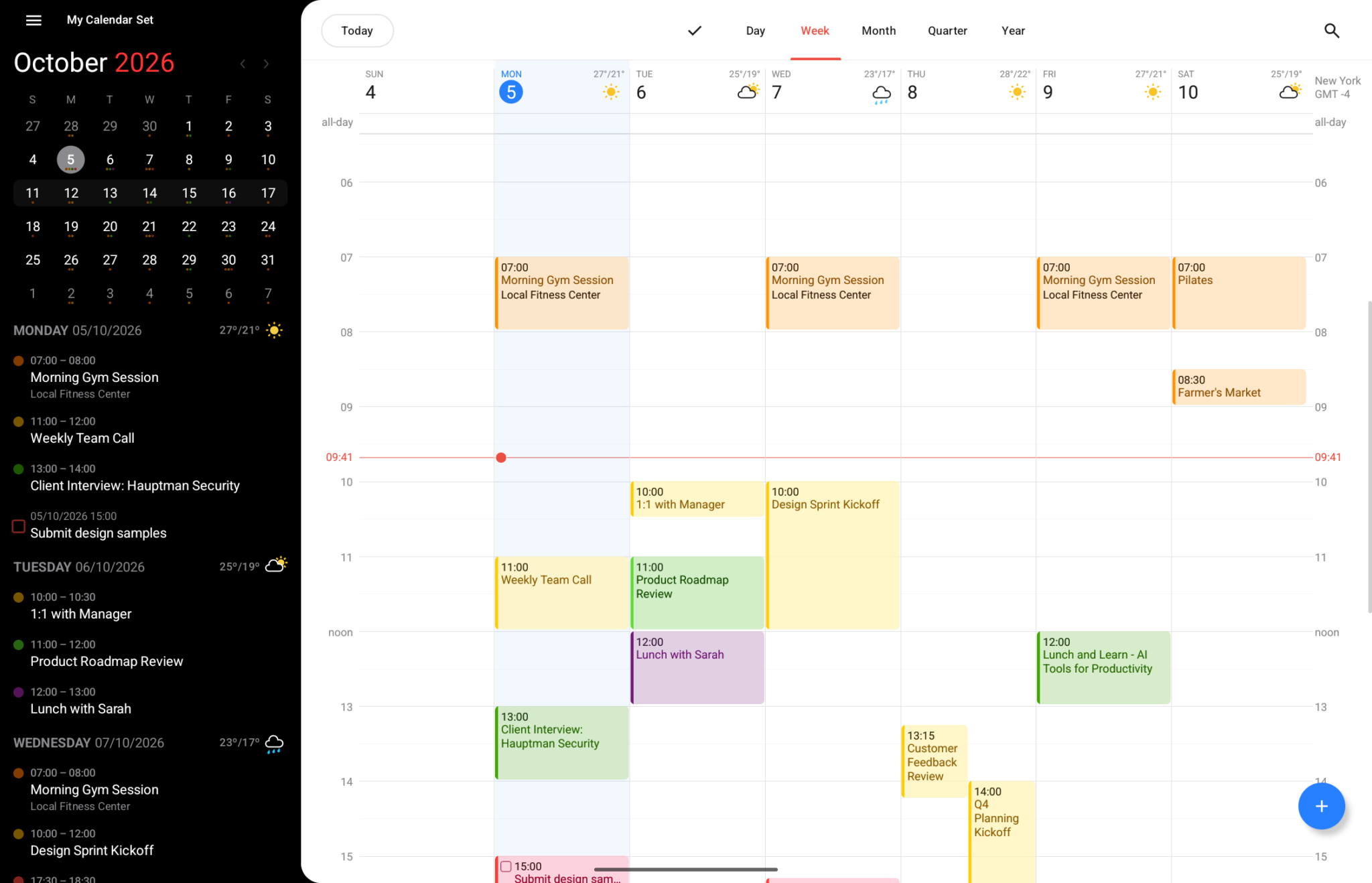
We took the magical features you already know and love, and rebuilt them specifically for your Googlebook:
Best of all? Fantastical for Googlebook is included with your Flexibits Premium subscription at no extra cost. Just sign in to your Flexibits Account in the app and you’re off! Not a subscriber yet? Don’t worry, Fantastical for Googlebook is also free to use and works great if you just need the basics and a beautiful calendar.
Want to learn more? Check out our new Googlebook help documents, and as always our Support team is standing by for any and all questions!
*Bad news ☹️ Fantastical for Googlebook does not support Android phones, foldables, or tablets. Good news 😁 We want to bring Fantastical to Android phones, foldables, and tablets as soon as possible. Sign up for the Flexibits email list and you’ll be one of the first to know when we’re ready!