





Team: Single-Sign In (SSO)
Flexibits Premium Teams can enable Single-Sign On (SSO) so that team members can sign in using an organization’s SSO provider.
Sign in with SSO
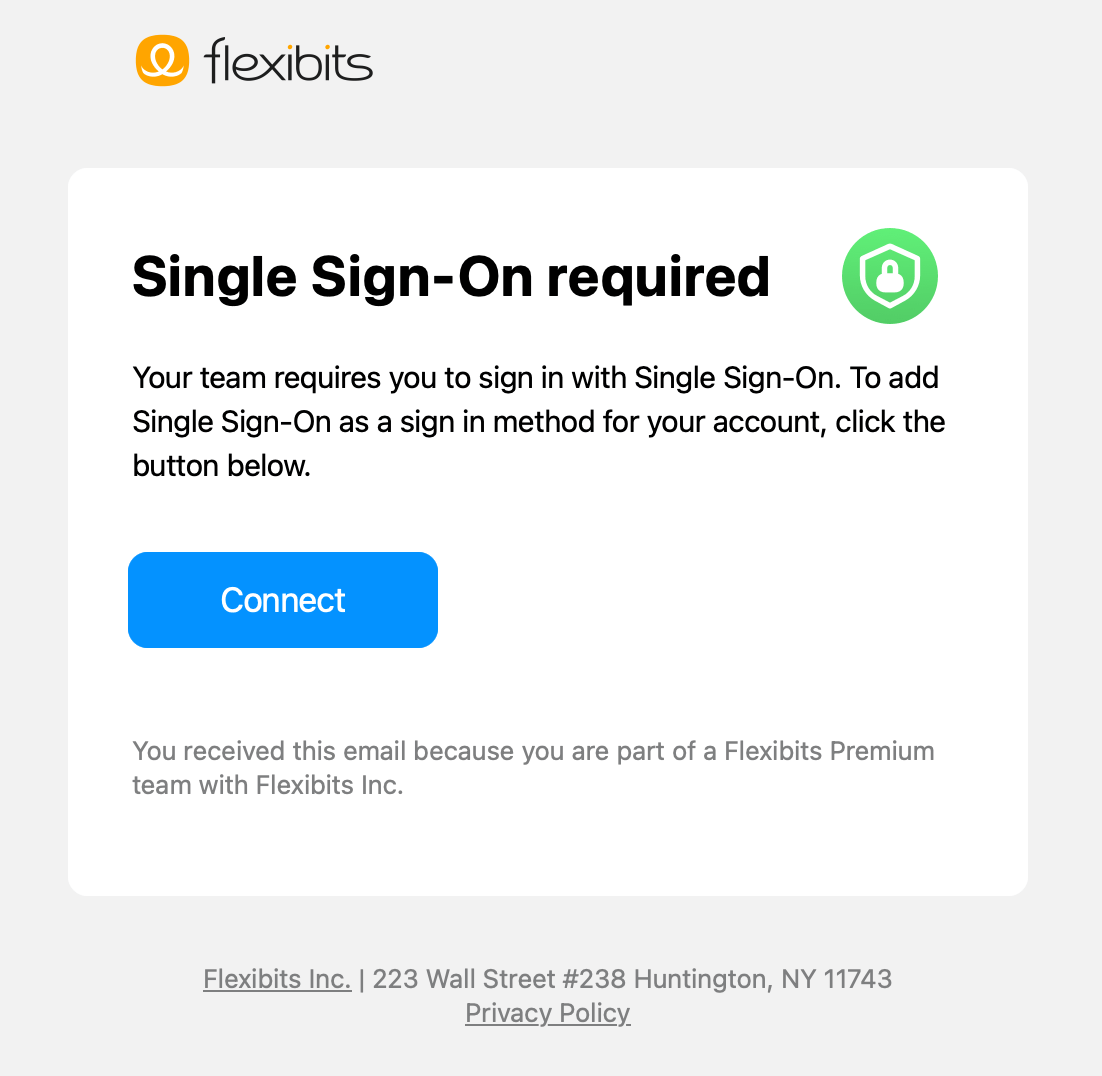
Once the Team administrator has enabled SSO, if they enforce the use SSO on the plan, each team member will receive an email stating that SSO is required on their Flexibits Account.
- Members will only receive the email if SSO is enforced, and will need to use the email link to activate SSO on their account. If they fail to do so by the date set by the Team administrator, they will be locked out of their Flexibits Account.
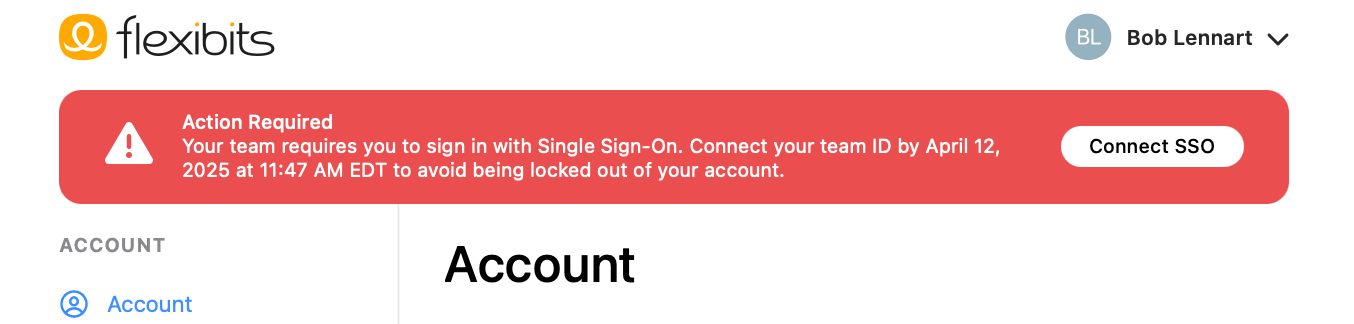
- After SSO is enforced, team members will see an alert stating an action is required.
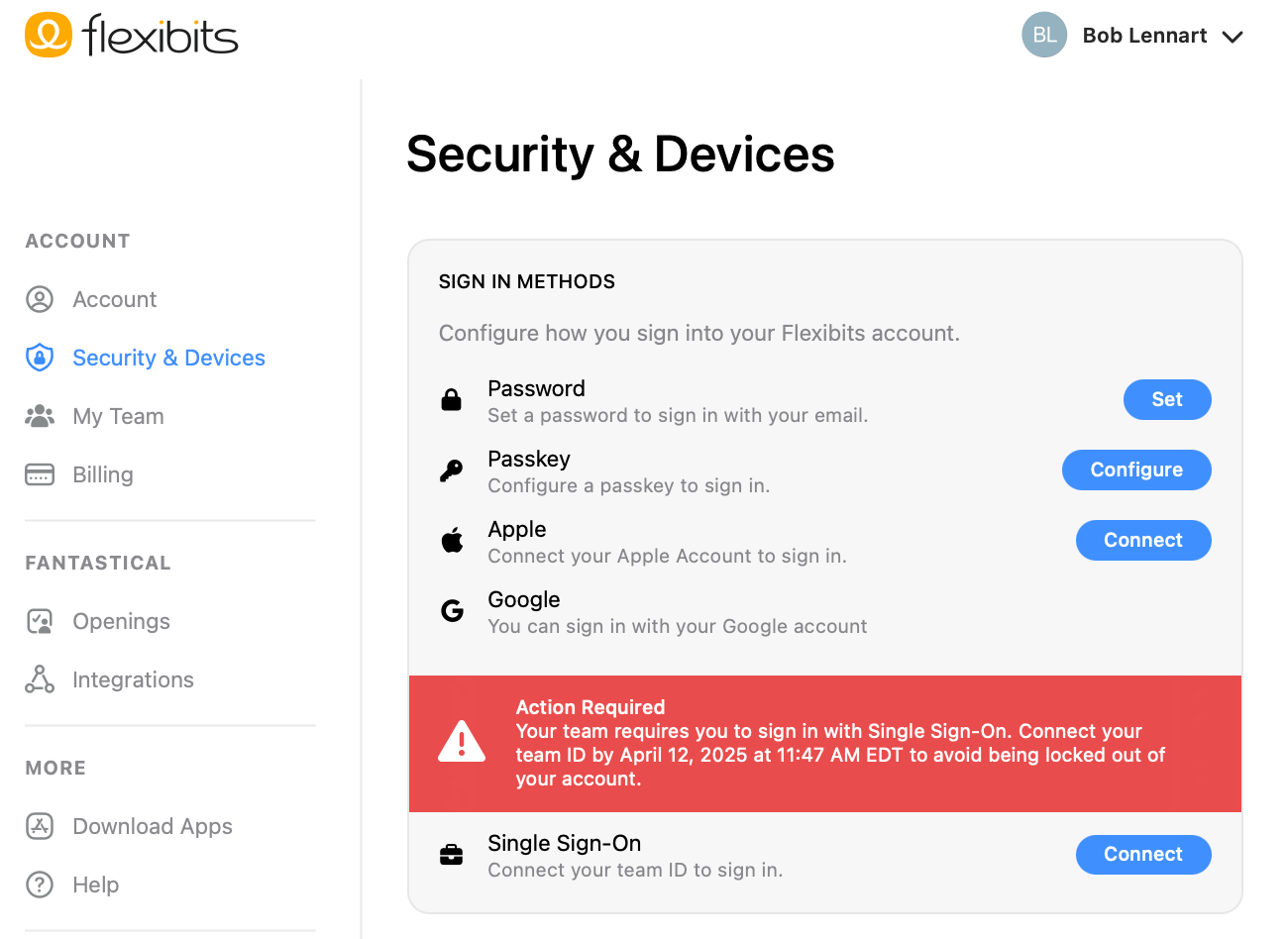
- Members must navigate to the Security & Devices section and use the option to Connect to Single Sign-On.
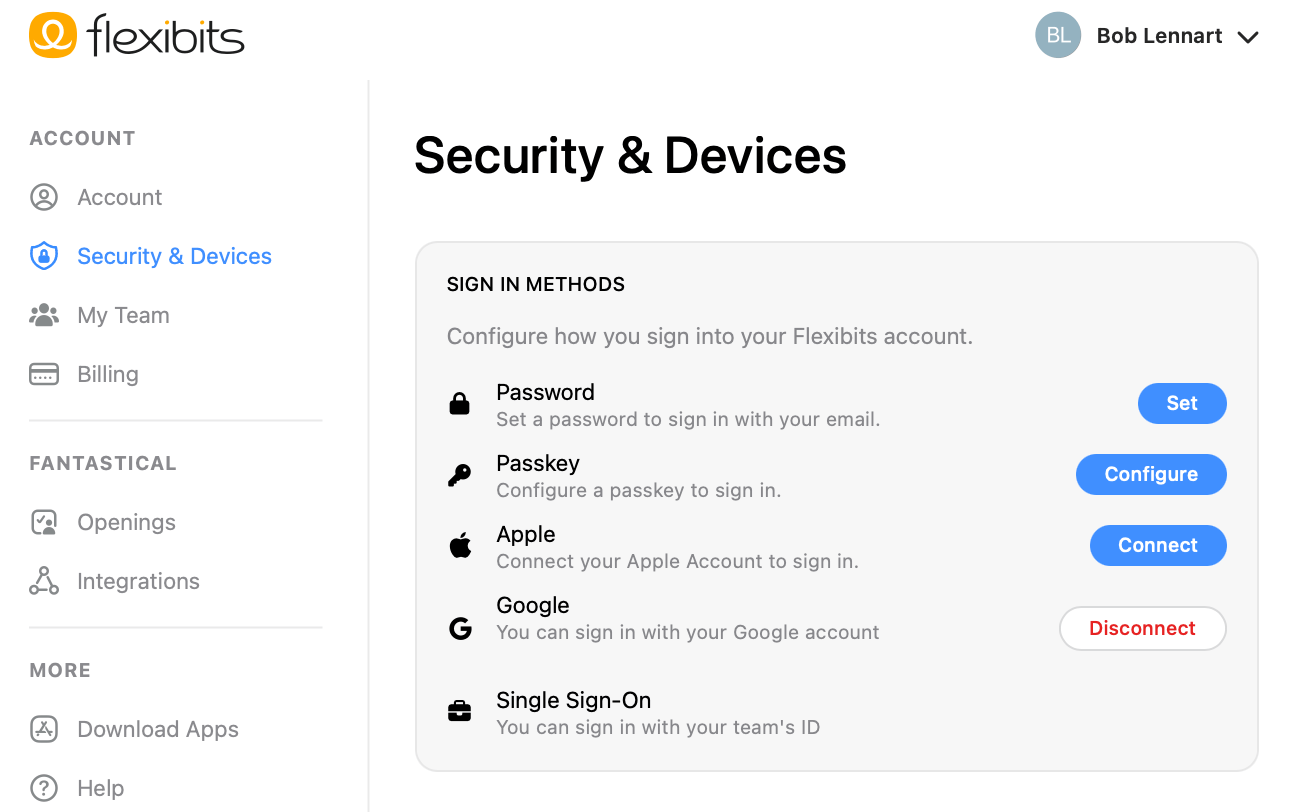
- Once connected, members can use SSO to access their Flexibits Account.
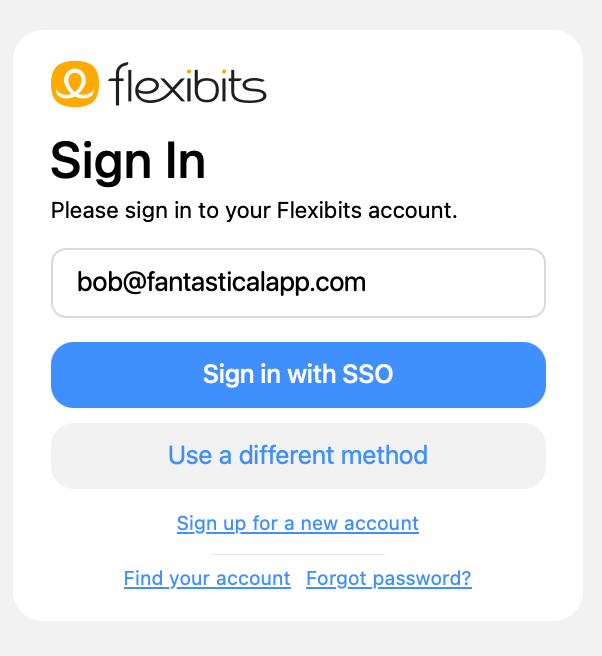
- When signing in to a Flexibits Account, the option to Sign in with SSO will appear after entering the SSO email address.
Enable SSO on your Team
The Team administrator can configure SSO for the team.
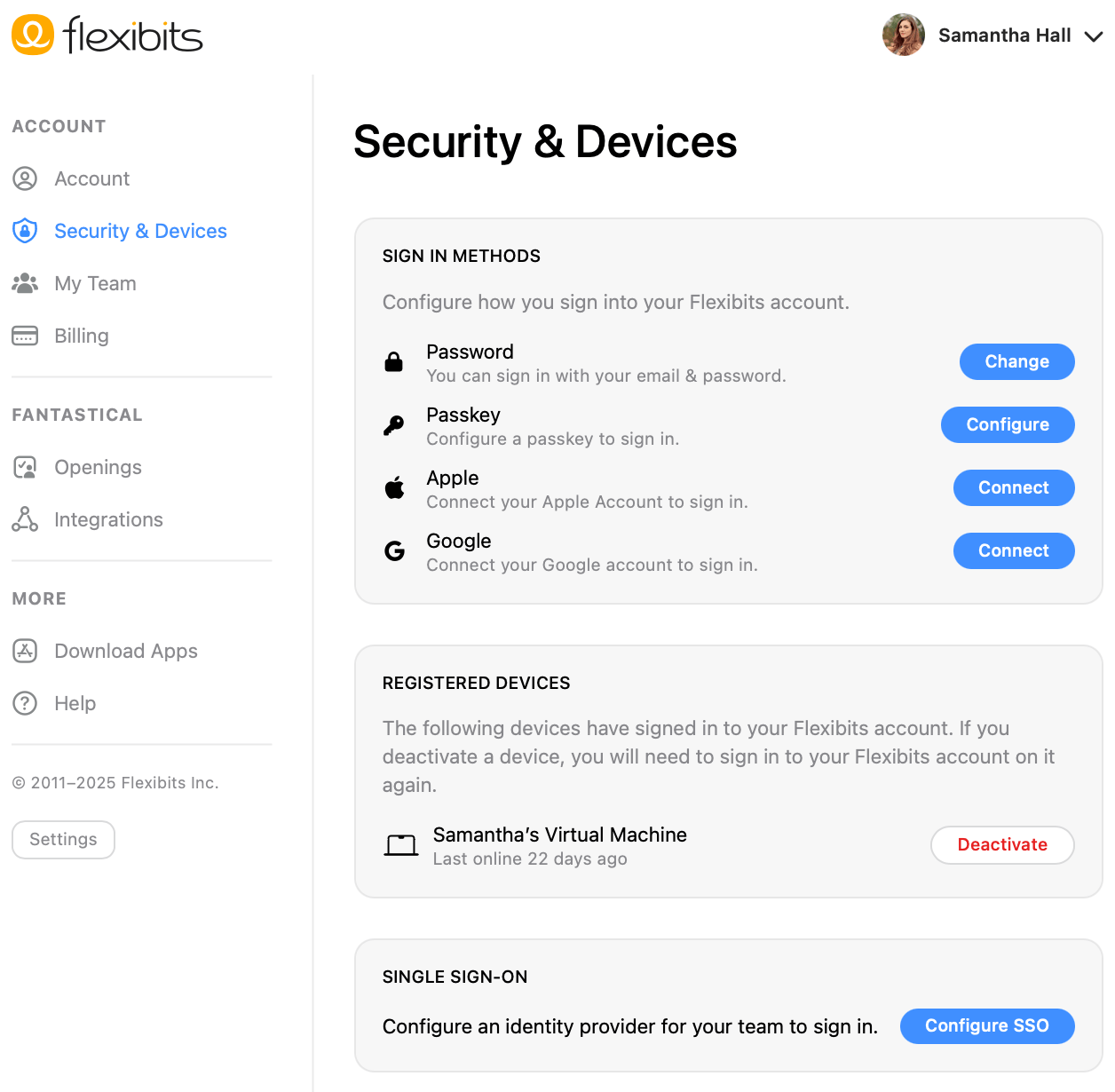
- Navigate to Security & Devices and use the option to Configure SSO.
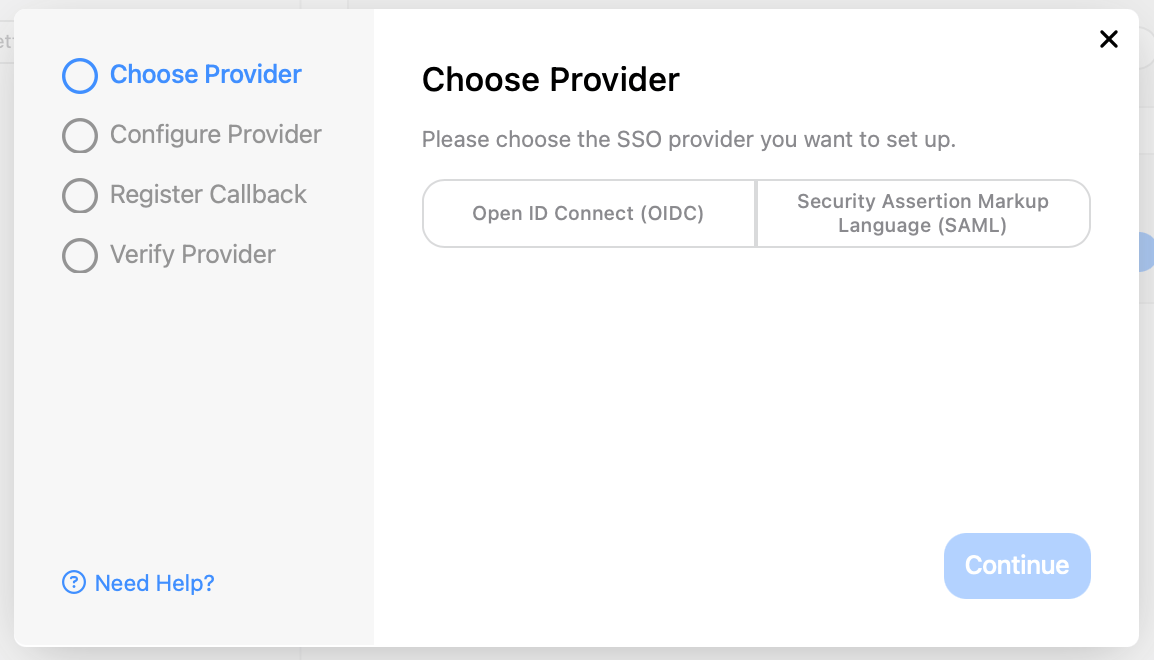
- Choose between Open ID Connect (OIDC), and Security Assertion Markup Language (SAML).
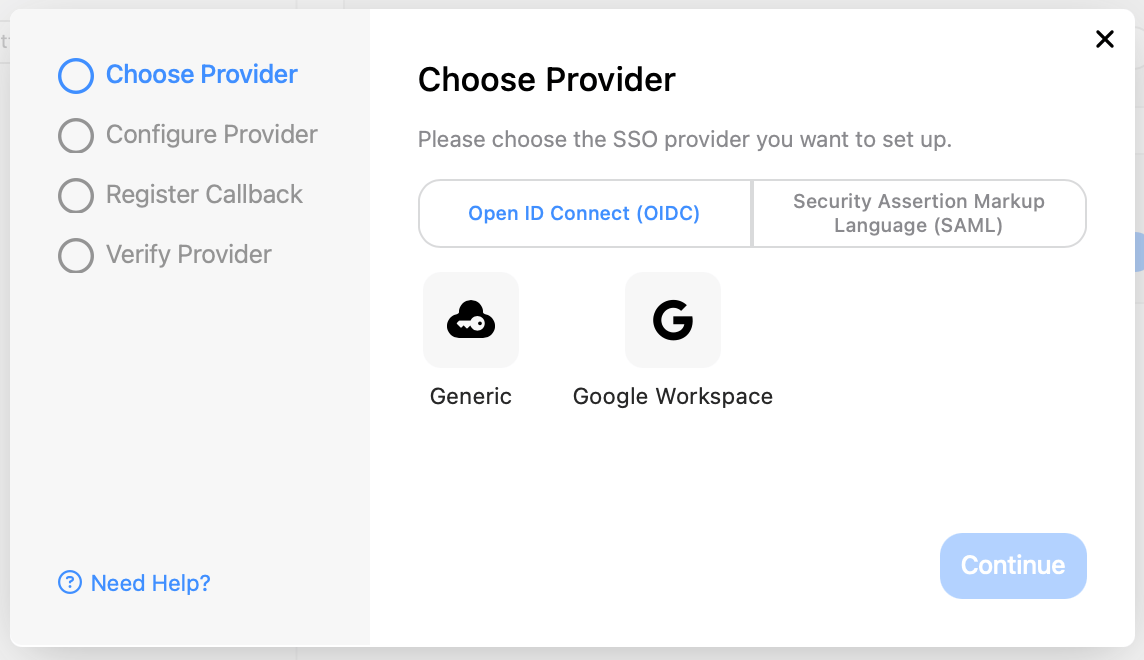
- Choose the correct provider from the options that appear and select Continue.
- Enter the required information and select Configure.

- Register the provided callback URI with your identity provider and select Continue.
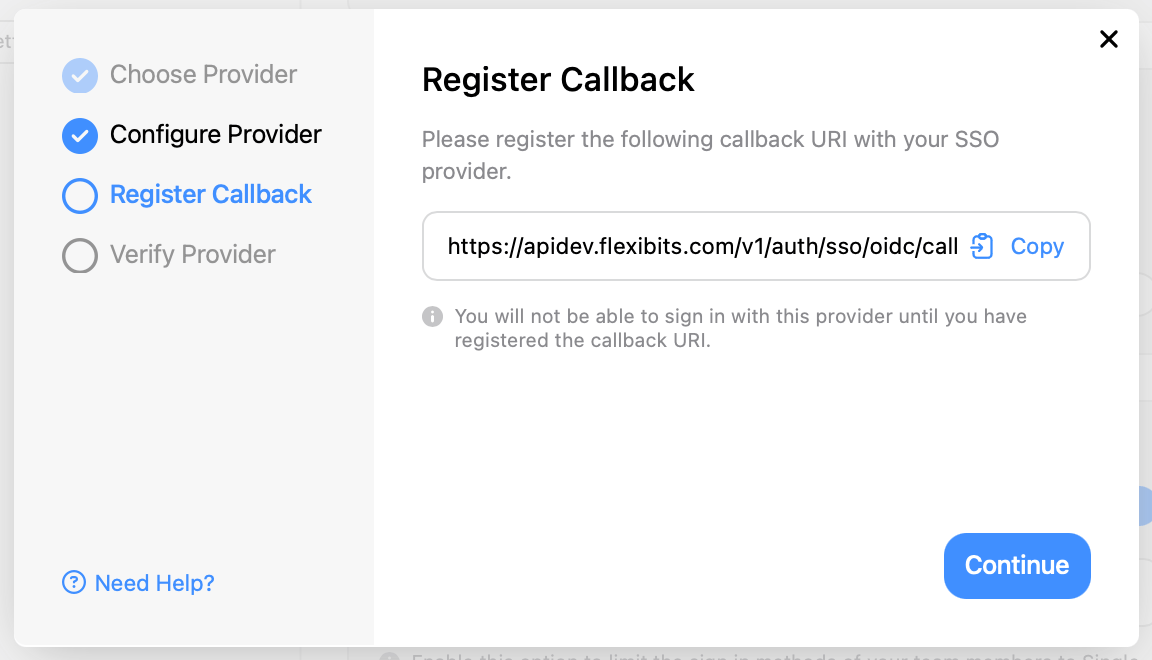
- Select Verify Now and verify the provider to connect SSO to the account.

Once SSO is enabled on the Flexibits Premium Team, the administrator can choose to have it required for each member by enabling Require Single Sign-On.

When requiring SSO for the team, the administrator can set the number of days team members have to connect their Flexibits Account with SSO. If the administrator enables this option, team members will be locked out of their Flexibits Account if they do not take action within the specified time frame.


